 By Bemi Brooks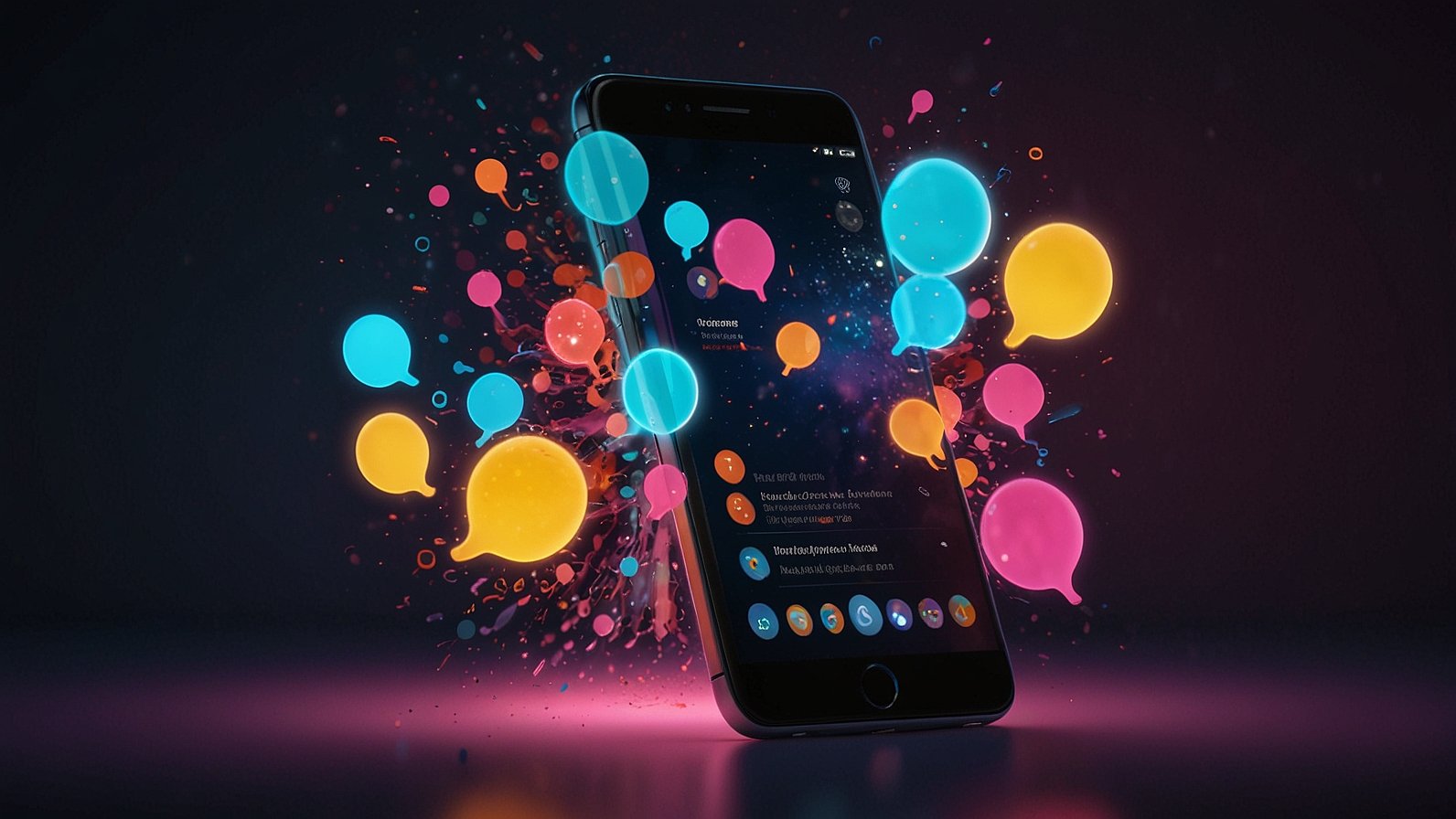
Hook: Ever wished your FAQ page could actually answer questions? Or that your explainer videos didn’t lose viewers halfway through? You’re not alone. Static text and passive video struggle against shrinking attention spans. But what if you could turn direct user questions into your most powerful, engaging, and searchable content? Enter Video&A. It’s not just a buzzword; it’s a measurable strategy transforming how brands connect, educate, and get found online. Ready to ditch the crickets and get real engagement?
What Exactly is Video&A? (It’s Simpler Than You Think!)
Let’s cut through the jargon. Video&A is exactly what it sounds like: a practical approach where questions get answered directly with video. But it’s more than just posting a Q&A session on YouTube.
Think of it like this: Imagine your website’s FAQ section, but instead of plain text answers, each question pops open a concise, focused video response. Or picture watching a product demo where you can click on a floating widget right within the video to get a 30-second explanation of that specific feature you’re curious about. That’s Video&A in action.
It combines two powerful elements:
- The Directness of Q&A: Addressing exactly what your audience wants to know.
- The Engagement of Video: Leveraging sight, sound, and personality for better understanding and retention.
This creates a dynamic, two-way street. Users get specific answers quickly and memorably. You, the creator or brand, build trust, boost engagement metrics, and create content that search engines (and users!) love to find.
Why Video&A Isn’t Just a Fad (The Tangible Benefits)
So, why are marketing teams, support heroes, and e-learning gurus buzzing about Video&A? Because it solves real problems with real results. Let’s break it down:
- Crushes Viewer Drop-Off: Let’s be honest, most videos suffer from the “skip ahead” syndrome. Video&A fights this by delivering hyper-relevant information exactly when the viewer wants it. Interactive elements (like clickable questions within the video) give viewers control, keeping them glued to the screen. Platforms like Wistia and Vidyard see significant retention lifts with interactive features.
- Supercharges Your SEO & Discoverability: Text is still king for search engines, but they’re getting smarter about video. Video&A creates a goldmine of search-friendly content:
- Each video answer targets a specific long-tail keyword (e.g., “How to reset [Product Name] password”).
- Transcripts and closed captions provide rich text for search engines to index.
- Structured data (like FAQ schema) can be applied, making your video answers appear directly in search results as rich snippets – prime real estate! This turns your video library into a searchable knowledge base.
- Builds Trust Like Nothing Else: Seeing a real person answer a question builds authenticity and connection far faster than text. It humanizes your brand. Support teams using tools like Loom or Camtasia for quick video replies report higher customer satisfaction scores – the personal touch matters.
- Saves Time (Seriously!) in the Long Run: While creating individual videos takes effort upfront, think of the payoff:
- Reduce Repetitive Support Tickets: A clear video answer deflects common queries.
- Streamline Onboarding & Training: New hires or customers can find video answers instantly, reducing reliance on live training.
- Repurpose Content Gold: A single comprehensive interview can be sliced into dozens of targeted Video&A clips for specific questions.
- Fuels Future AI & Knowledge Bases: This is the cutting edge. The structured nature of Video&A (specific questions linked to specific video answers) is perfect fuel for AI systems. Research in Video Question Answering (VideoQA) is exploring how AI can automatically find or even generate answers from video content. Your Video&A library today could be the training ground for your AI support agent tomorrow! Platforms like Tavus or Synthesia hint at this AI-driven future.
How Video&A Actually Works: Platforms Making it Possible
You don’t need a Hollywood studio. Modern tools make Video&A accessible:
- Dedicated Interactive Video Platforms: These are built for this. Think PlayPlay, Vibby, or HapYak (often integrated into CMS or marketing automation tools). They let you easily add clickable hotspots, chapter markers, and embedded question forms directly into your videos. Viewers interact without leaving the player.
- Video Hosting with Q&A Features: Platforms like Vimeo and Wistia offer increasingly sophisticated interactive features. Add comments timed to specific moments, or link chapters to answer common questions.
- Simple Screen Recorders & Embedding: Sometimes low-tech works best. Use Loom, Camtasia, or even your phone to record a quick answer. Embed these videos directly onto relevant FAQ pages, knowledge base articles, or even product pages next to the feature they explain.
- Live Q&A with Recording: Hosting a live session on Zoom, Teams, or YouTube Live? Record it! Then, edit the best questions and answers into standalone Video&A clips for your library. Tools like Descript make editing spoken content surprisingly easy.
Choosing Your Video&A Approach
| Feature | Dedicated Interactive Platforms (e.g., PlayPlay, HapYak) | Enhanced Video Hosts (e.g., Wistia, Vimeo Pro) | Simple Screen Recorders (e.g., Loom, Camtasia) | Live Q&A Recordings |
|---|---|---|---|---|
| Best For | High interactivity, embedded experiences, complex journeys | Strong analytics, SEO features, brand control | Speed, simplicity, cost-effectiveness | Leveraging live events, authenticity |
| Core Video&A Strength | In-video widgets, branching, deep engagement tracking | Chapter linking, annotations, hotspot linking | Quick creation, easy embedding | Authentic Q&A, audience sourcing |
| Ease of Use | Moderate to High (learning curve) | Moderate | Very Easy | Easy (record) / Mod (edit) |
| Cost | $$$ (Often enterprise-level) | $$ (Premium tiers) | $ (Freemium options available) | $ (Depends on tools used) |
| Ideal Starting Point | Large-scale campaigns, complex product demos | Building a searchable video knowledge base | Support replies, quick explainers | Webinars, community engagement |
Also Read: Your Ultimate Guide to Glen Powell Movies: Spy Kids to Maverick & Beyond
Who’s Winning with Video&A? Real-World Use Cases
This isn’t theoretical. See how different teams leverage Video&A:
- Marketing & Sales:
- Product Demos: Instead of one long video, create an interactive demo. Viewers click on features they care about (e.g., “How does the scheduling work?”) to jump to a short answer video. HubSpot uses this effectively.
- Landing Pages: Embed a video answering the biggest objection or question right on the page (“Is this really worth the price?”).
- Lead Nurturing: Send personalized video answers to prospects’ specific questions via email.
- Customer Support:
- Knowledge Base 2.0: Transform text FAQs into a video FAQ library. Search “troubleshoot printer error 42” and get a 60-second fix video. Companies like Zendesk and Intercom integrate video answers seamlessly.
- Personalized Replies: Support agents record quick Loom videos to explain complex solutions, adding a human touch that reduces frustration. Dropbox support is known for this.
- E-Learning & Training:
- Interactive Courses: Embed quizzes or “Learn More” questions within training videos. Learners choose their path based on what they need clarification on.
- Just-in-Time Learning: Provide searchable video micro-lessons answering specific procedural questions (“How to run the Q3 sales report?”). Platforms like Articulate 360 or Adobe Captivate support interactivity.
- Product Teams:
- In-App Guidance: Use tools like Userlane or WalkMe to embed short video tutorials answering specific user questions right inside the application UI.
- Feedback Loops: Include easy “Ask a Question” buttons within product explainer videos to gather user pain points directly.
Getting Started with Video&A: Your Action Plan
Convinced? Here’s how to dip your toes in without drowning:
- Audit Your Existing Content: Where are the repetitive questions? Check support tickets, FAQ page traffic, and sales team feedback. Start with your top 5-10 most common, frustrating, or high-impact questions.
- Choose Your Tools Wisely: Don’t overcomplicate it initially. Can your current video host (YouTube, Vimeo) handle chapters or links? If not, Loom is a fantastic, free starting point for recording simple answers.
- Keep Answers Short & Scannable: Aim for 15-90 seconds per answer. Be concise! Get straight to the point. Viewers seeking quick answers will bounce if you ramble.
- Optimize Ruthlessly for Search:
- Keywords: Use the exact question phrasing in the video title and description (e.g., “How to change your billing address – Video&A”).
- Transcripts & Captions: Always include accurate transcripts and closed captions. This is non-negotiable for SEO and accessibility.
- Schema Markup: Implement FAQ schema on pages hosting your Video&A content to boost rich snippet chances.
- Promote Your Video Answers: Don’t just bury them! Link to them in email signatures, support replies, relevant blog posts, and social media. Add them prominently to your FAQ page.
- Track & Iterate: Use analytics (watch time, engagement with interactive elements, traffic sources) to see what’s working. Which answers get the most views? Which have high drop-off? Refine your approach based on data.
Conclusion: Turn Questions Into Your Greatest Asset
The old ways of static content are fading. Users demand immediacy, relevance, and engagement. Video&A delivers precisely that. It transforms the often-dreaded user question into an opportunity – an opportunity to connect deeply, educate effectively, boost your search visibility, and build a future-proof knowledge repository.
Stop letting valuable questions vanish into the void. Start capturing them and turning them into your most engaging, discoverable content with Video&A.
5 Tips to Launch Your Video&A Strategy Today:
- Answer One Burning Question: Pick the single most common query your team gets. Record a 60-second Loom answer. Embed it on your FAQ page or support portal. Done!
- Add Chapters to Your Next Explainer: When you publish your next product video or tutorial, use YouTube or Vimeo chapters to mark key sections answering specific potential questions.
- Empower Support: Equip one support agent with Loom for a week. Have them record video replies to 5 complex tickets. Measure customer satisfaction on those tickets.
- Run a Live Q&A: Host a 20-minute live session on a topic relevant to your audience. Record it. Mine it for 3-5 great standalone Video&A clips.
- Audit Your FAQ: Look at one FAQ category. Could any answer be clearer or more engaging as a 30-second video? Script and record your first replacement.
What’s your biggest challenge with customer questions right now? Could Video&A help solve it? Share your thoughts below!
You May Also Read: Unlock a Universe of Illustrated Stories: Your Gateway to nhentai.nef
FAQs
Q: Isn’t Video&A just fancy video FAQs?
A: It includes video FAQs, but it’s broader! Think interactive elements within videos (clickable questions), personalized video replies, and using these answers to fuel searchable knowledge bases and future AI tools. It’s about making the Q&A dynamic and integrated.
Q: Won’t producing all these video answers take forever and cost a fortune?
A: Not necessarily! Start small with screen recordings using free tools like Loom. Focus on high-impact, repetitive questions. Many answers can be under a minute. The time saved on handling repeat inquiries or confused customers often outweighs the production time. You don’t need Hollywood quality – authenticity and clarity matter most.
Q: How does Video&A actually help with SEO?
A: In several ways! Each video answer targets specific keywords (like a spoken question). Transcripts and captions provide rich text for search engines to index. Structured data (FAQ schema) can make your answers appear directly in search results. It builds a video library that answers niche queries search engines love.
Q: Can Video&A work for a small business, or is it just for big brands?
A: Absolutely works for small businesses! In fact, it can be a powerful differentiator. A local bakery could post short videos answering “What’s your most popular gluten-free pastry?” or “Do you offer custom cake tastings?”. It adds a personal touch that big brands struggle to replicate. Start with your top 5 customer questions.
Q: What’s the connection between Video&A and AI (Artificial Intelligence)?
A: It’s foundational! Video&A creates structured data: specific questions linked to specific video answers. This is perfect training data for AI systems focused on Video Question Answering (VideoQA). In the future, AI could automatically find the exact video clip answering a user’s query or even generate concise summaries based on your Video&A library.
Q: Do I need a special video platform to do Video&A?
A: You can start simple! Use screen recorders (Loom) and embed videos on your website/FAQ. For deeper interactivity (clickable questions inside videos), you’ll need platforms like PlayPlay, Wistia (Soapbox), or Vimeo with interactive features. Choose tools matching your budget and goals.
Q: How do I measure if my Video&A efforts are successful?
A: Track key metrics: View counts and watch time (especially retention rates – did they watch the whole answer?), engagement with interactive elements (clicks on in-video questions), reduction in related support tickets, traffic from search engines to your video answers, and customer satisfaction scores (CSAT) if used in support. Look for improvements!